15 ideas
Building with Claude
Claude Code, skills, MCP and the Claude API, as taught in the Claude Partner Network learning path.
Published
1Claude Code
Getting started
An AI coding agent in your terminal or VS Code, and how to install it.Steering a session
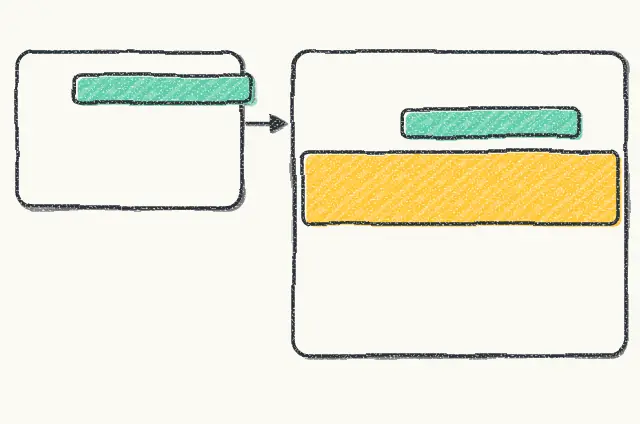
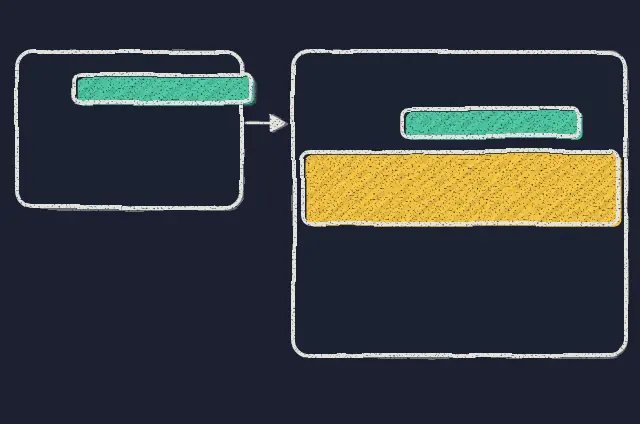
Plan first, interrupt or rewind when it drifts, and keep the context window under control.Handing off to subagents
Send side jobs to a separate agent with a fresh context: the built-in ones, your own, and when it’s worth it.Rules it follows
Project instructions in CLAUDE.md, permission modes and rules for what it may do, and hooks for what must always happen.Working while you’re away
Run it from scripts, on a schedule or on pull requests, then check what it did.






2Skills
Teach it once
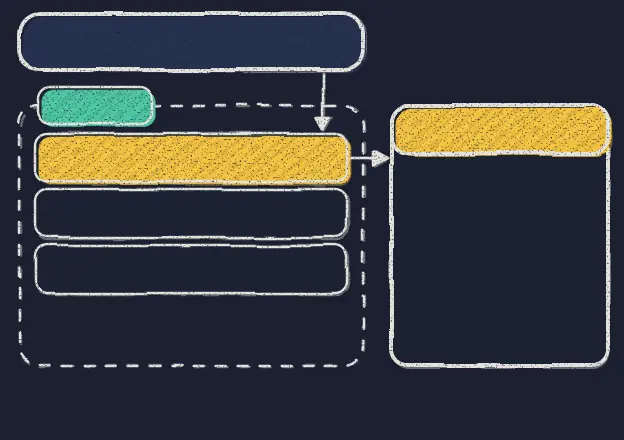
Write a procedure down once, and Claude follows it whenever the task comes up.Choosing and sharing
When to use a skill rather than CLAUDE.md, a hook or a subagent, how to share one, and how to fix one.


3MCP
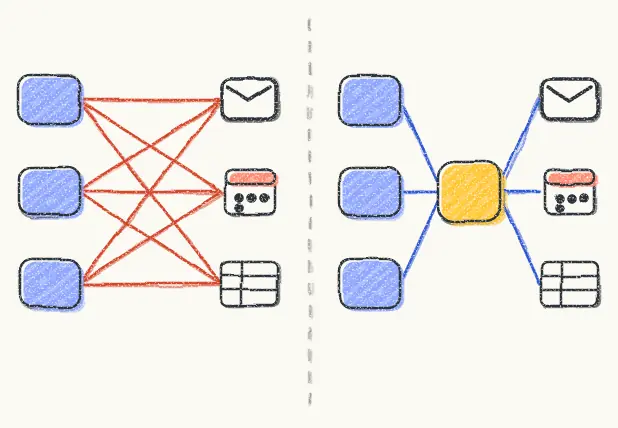
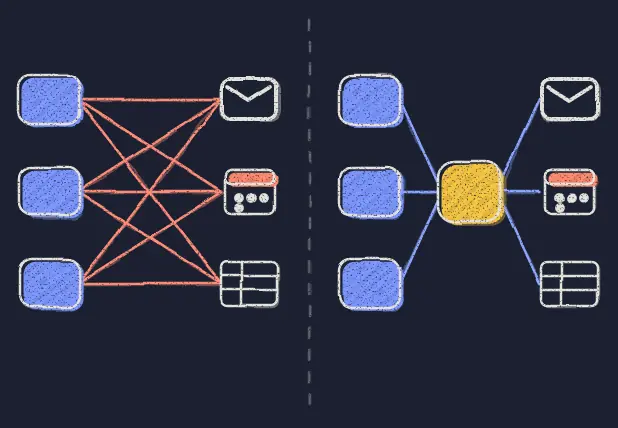
One plug for every tool
Wrap a service once as an MCP server, and any AI app can use its tools.Build your own MCP server
Write a server in Python with tools, resources and prompts, and see how Claude Code uses each.
4The Claude API
Talking to Claude from code
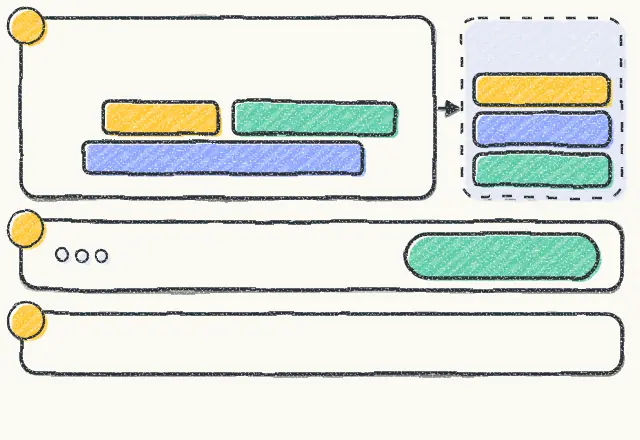
Your code sends a list of messages and gets the next one back. Everything else is settings.Testing a prompt
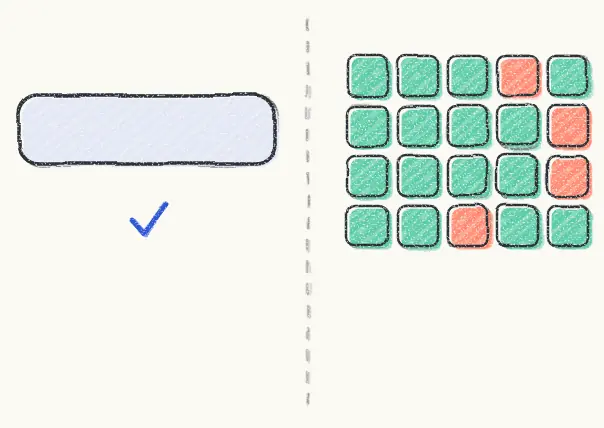
One good answer proves little. Score a prompt on many questions, then improve it.Giving Claude tools
Describe a function, and Claude asks your code to run it when it needs to.RAG: answers from your documents
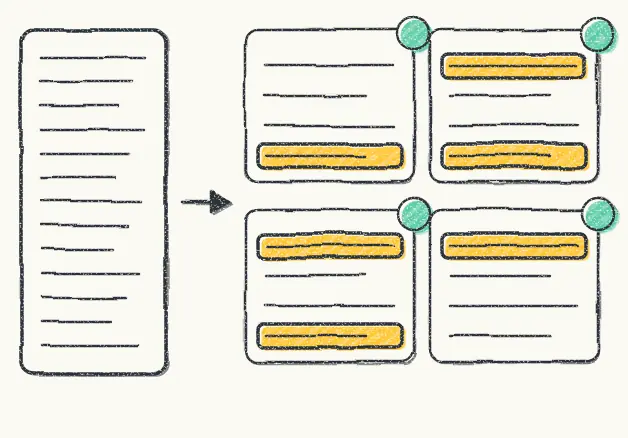
Retrieval-augmented generation: cut documents into chunks, find the right ones for each question, and hand them to Claude.Thinking, files, citations and caching
Four API features worth knowing, and the request field that turns each one on.Workflows and agents
Two ways to join several calls to Claude: fixed steps you wire up, or an agent that chooses its own.